








What a smart home is and what the system consists of
A smart home is a connected system, not a set of separate gadgets: devices are combined into layers via a hub and a communication protocol. We break down the architecture, the choice of protocol, and the scenarios that actually work in Tashkent apartments.
What devices and layers the system is assembled from
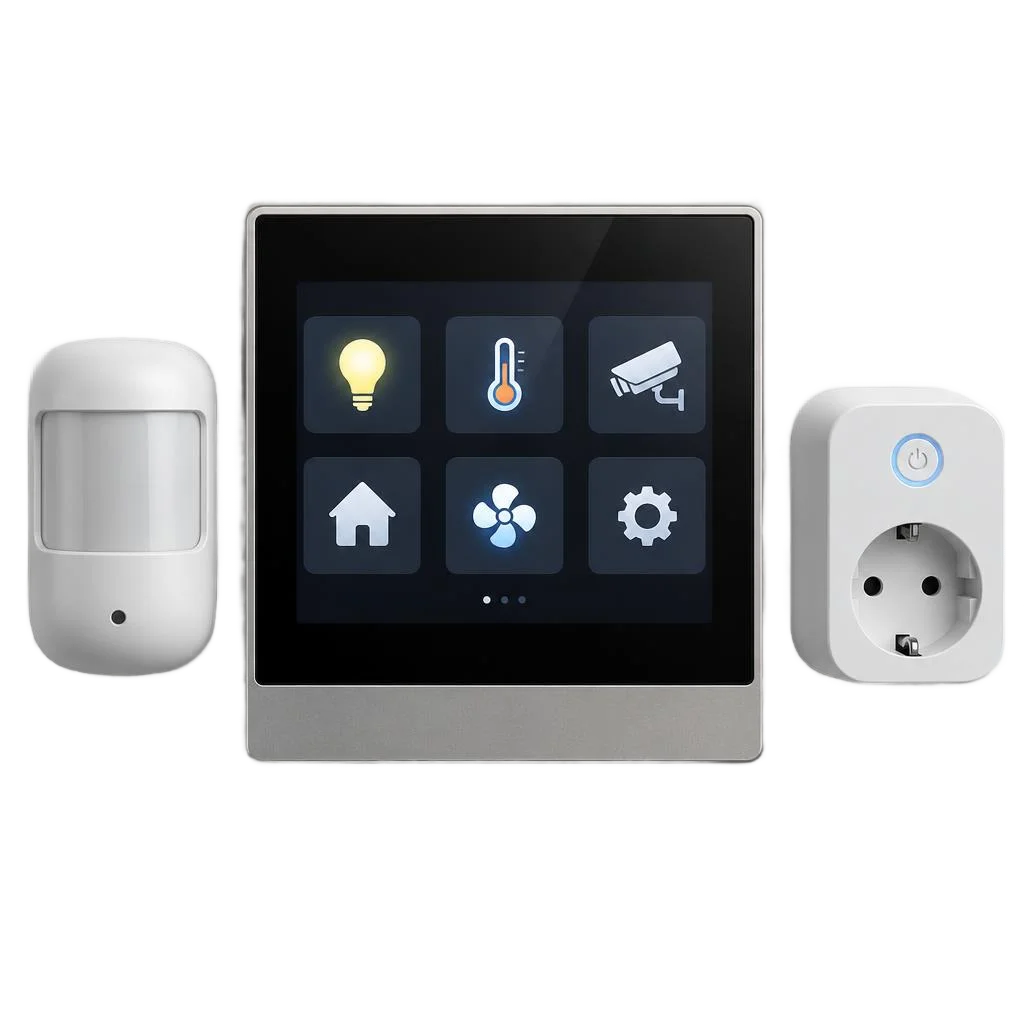
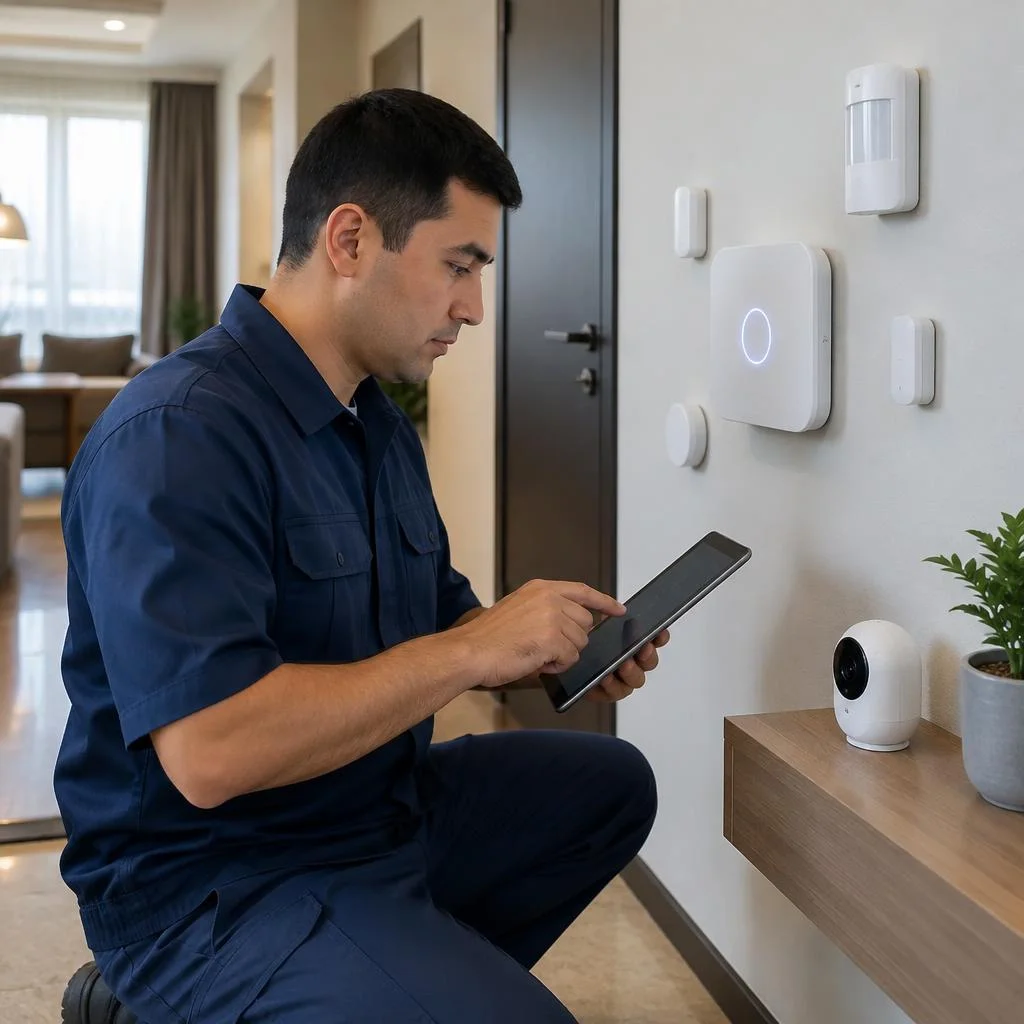
- Devices: smart switches, smart lamps and light fixtures, dimmers, motion and presence sensors, thermostat, smart curtains, locks.
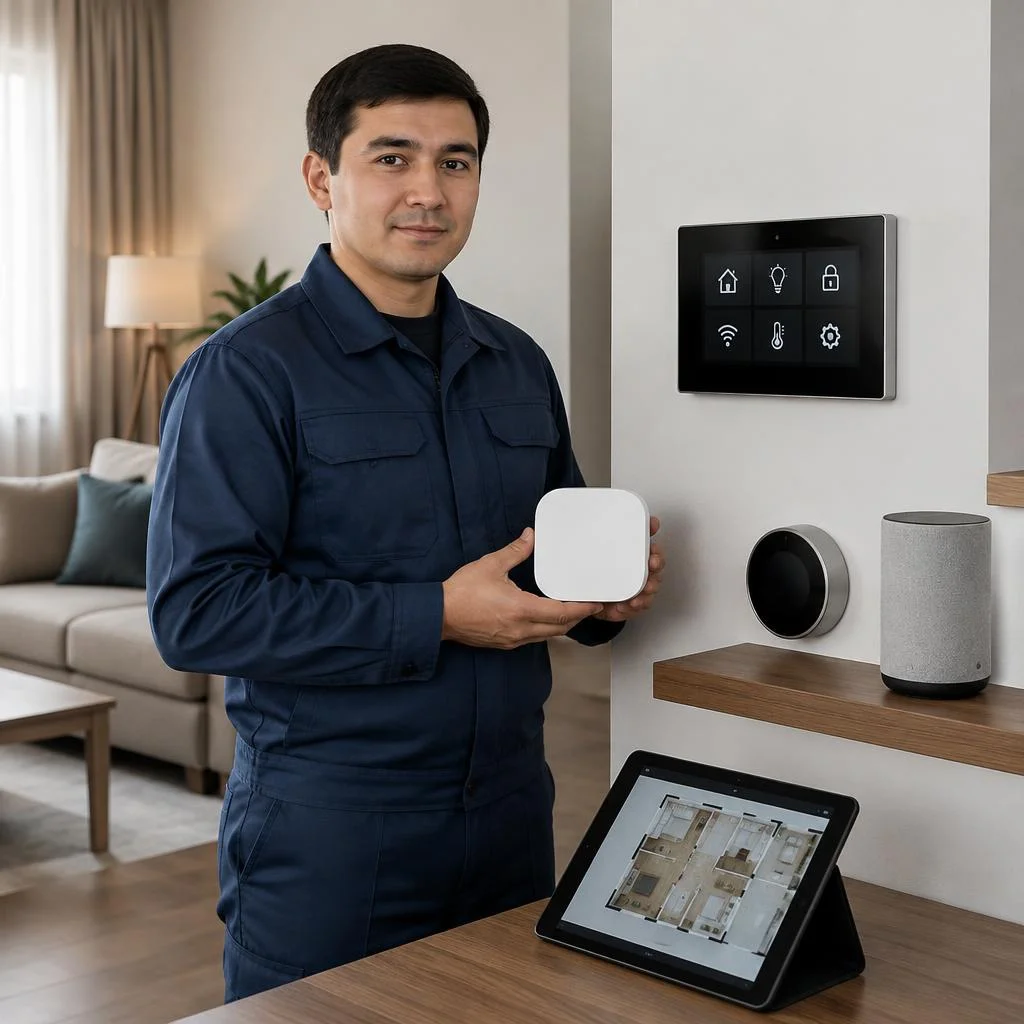
- Smart home hub: a controller that stores scenarios and links devices to each other without involving the cloud.
- Communication protocol: Zigbee, Wi-Fi, KNX or Matter/Thread — the channel through which devices transmit commands and telemetry.
- Control app: a smartphone with an interface for scenarios, schedules and remote access to the system.
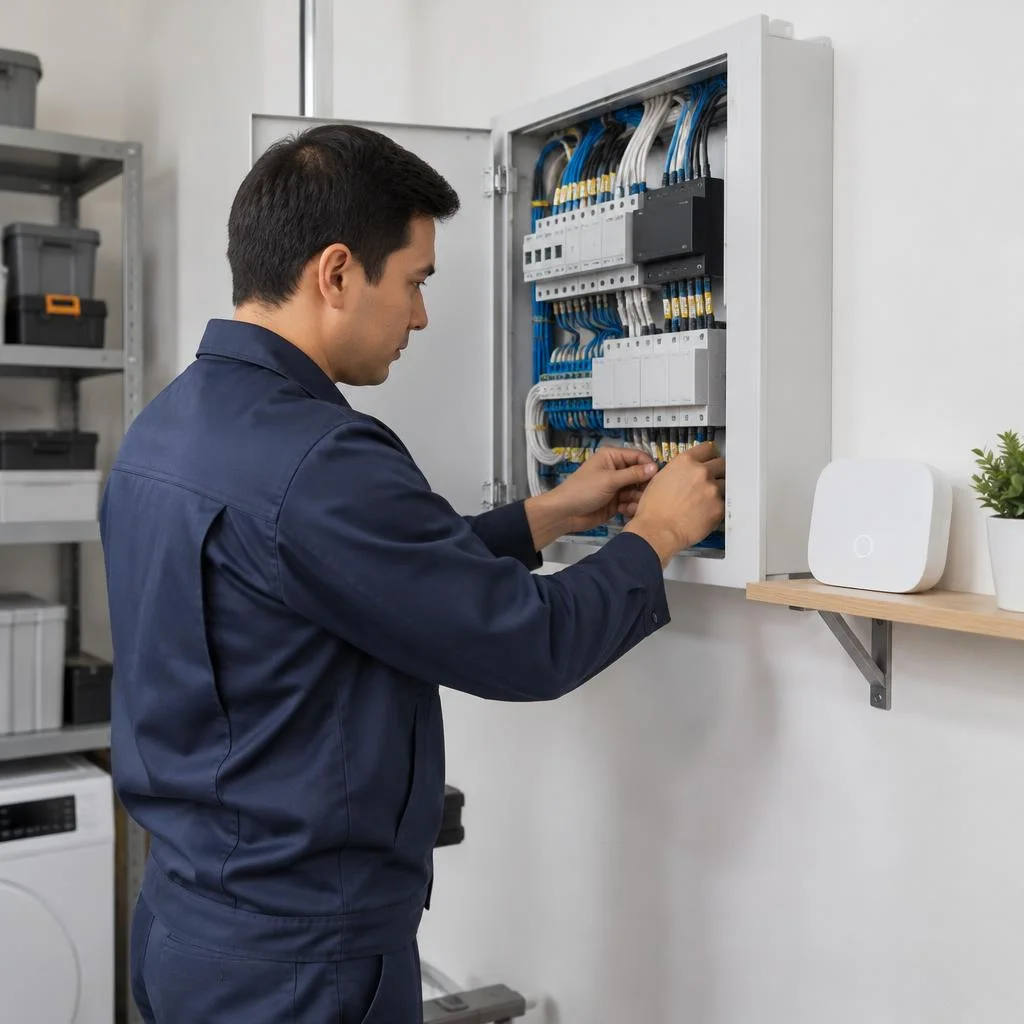
- Infrastructure: a low-voltage panel, cable routes and power supplies — the foundation that is laid before the final finishing.
Zigbee, Wi-Fi or KNX: which protocol to choose
| Protocol | Where it is appropriate | Advantage | Limitation |
|---|---|---|---|
| Zigbee | Apartments, small houses | Doesn't load the Wi-Fi network, dozens of devices | Requires a hub coordinator |
| Wi-Fi | 5-10 simple devices | No hub needed, direct setup | Competes for the channel with the router |
| KNX | Large houses, offices | Wired reliability, service life | Expensive bus and installation |
| Matter/Thread | New devices | Unified standard, local operation | Models are still limited |
Which scenarios are actually used in Tashkent apartments
- Morning wake-up: the light gradually brightens, the curtains open, the thermostat brings the climate to a comfortable temperature by the alarm.
- Leaving home: one command turns off the lights, air conditioners and underfloor heating, and arms the locks.
- Night mode: motion sensors turn on the hallway lighting at 30% brightness and turn it off after a minute.
- Evening ventilation: the curtains close automatically, climate control switches to quiet mode.
- Vacation: simulated presence on a schedule and notifications about leaks or smoke in Telegram.
How installation works: the basic setup and expansion
Installing a smart home system begins with an audit of the layout and the selection of scenarios, not with purchasing devices. In a new building in Tashkent, the basic setup is completed in one stage: a hub in the low-voltage panel, smart switches for lighting groups, motion sensors in the hallway and bathroom, a thermostat for climate control. Then the system is expanded on request — curtains, locks, video surveillance, leak and gas sensors. Installing a smart home in a finished renovation requires wireless protocols, because it is too late to chase walls for cable. In search, clients often type "smart home system installation" — and land on this breakdown, although it is the same process: from audit to commissioning. This approach saves budget: you pay for a working setup, not for a full set of hardware all at once. Design is the first stage, where installation points and the low-voltage panel are fixed. In our practice, at this stage it is cheaper to rework the scheme than after the final finishing: moving one point on a finished wall costs several times more than correcting the drawing before work begins.
Turnkey smart home system installation: stages of work
The full cycle runs from request to launch: audit, design, cable infrastructure, panel, device installation, hub configuration. The order of stages is not changed — low-voltage wiring and the panel are laid before finishing, otherwise the walls will have to be opened up.
Site audit and system design
Installing a smart home system in an apartment or house begins with a site audit: an Eco-Service specialist reviews the layout, the state of the electrical wiring, and the placement points for devices, after which they produce a design with a panel diagram and cable routes. The design includes a reserve of lines for future sensors and scenarios — during the renovation stage this costs pennies compared to redoing it. The audit takes one visit, and design takes from two to five working days depending on the area and number of rooms. The design pays for itself during installation: pre-marked routes and points save up to a third of the cable and eliminate chasing into an already finished renovation, which is why the audit is ordered before purchasing finishing materials, not after.
Preparing cable infrastructure and installing the low-voltage panel
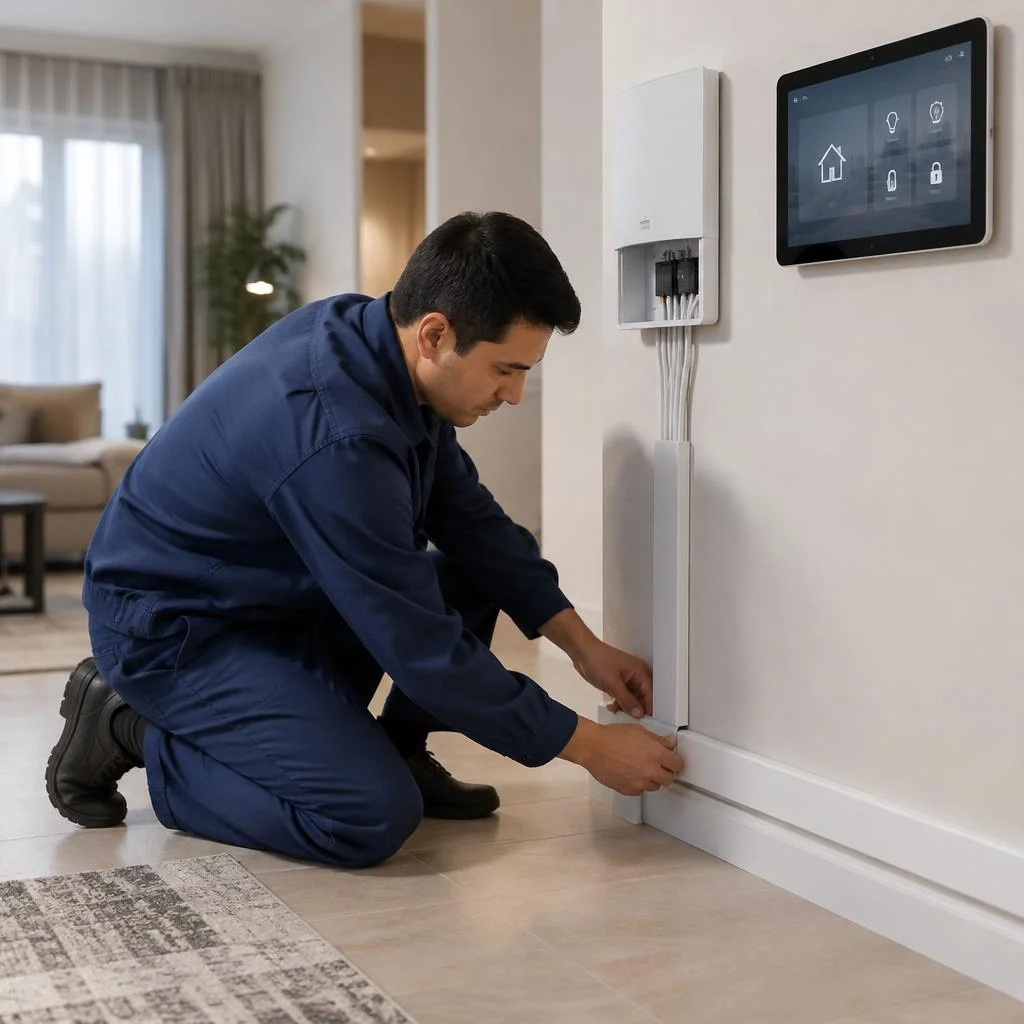
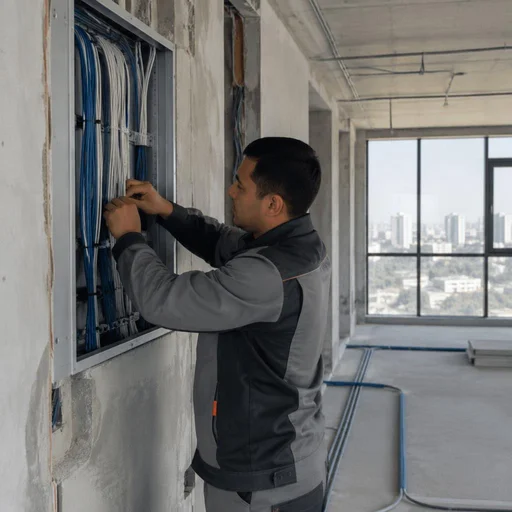
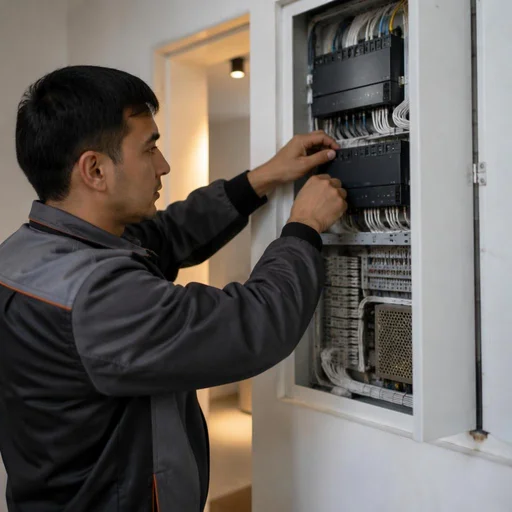
Preparing cable infrastructure and installing the low-voltage panel is the stage that determines how the system will behave a year later. Low-voltage wiring is a separate network of control lines, not connected to the 220 V power lines: signals from switches, sensors, thermostats and locks travel along it to the panel. The panel is where the lighting, climate, security and communication lines converge; in a KNX project, the bus controller and power supply units are also placed there. The work is carried out before plastering and floor laying — after finishing, access to the routes is closed. It is better to place the low-voltage panel in a separate niche next to the electrical panel: this way, when adding devices, you don't have to open up the walls, and diagnostics take minutes.
Device installation: light, climate, security
- Light: smart switches, lamps and light fixtures, lighting dimmers — the basic group, which is where almost every project begins.
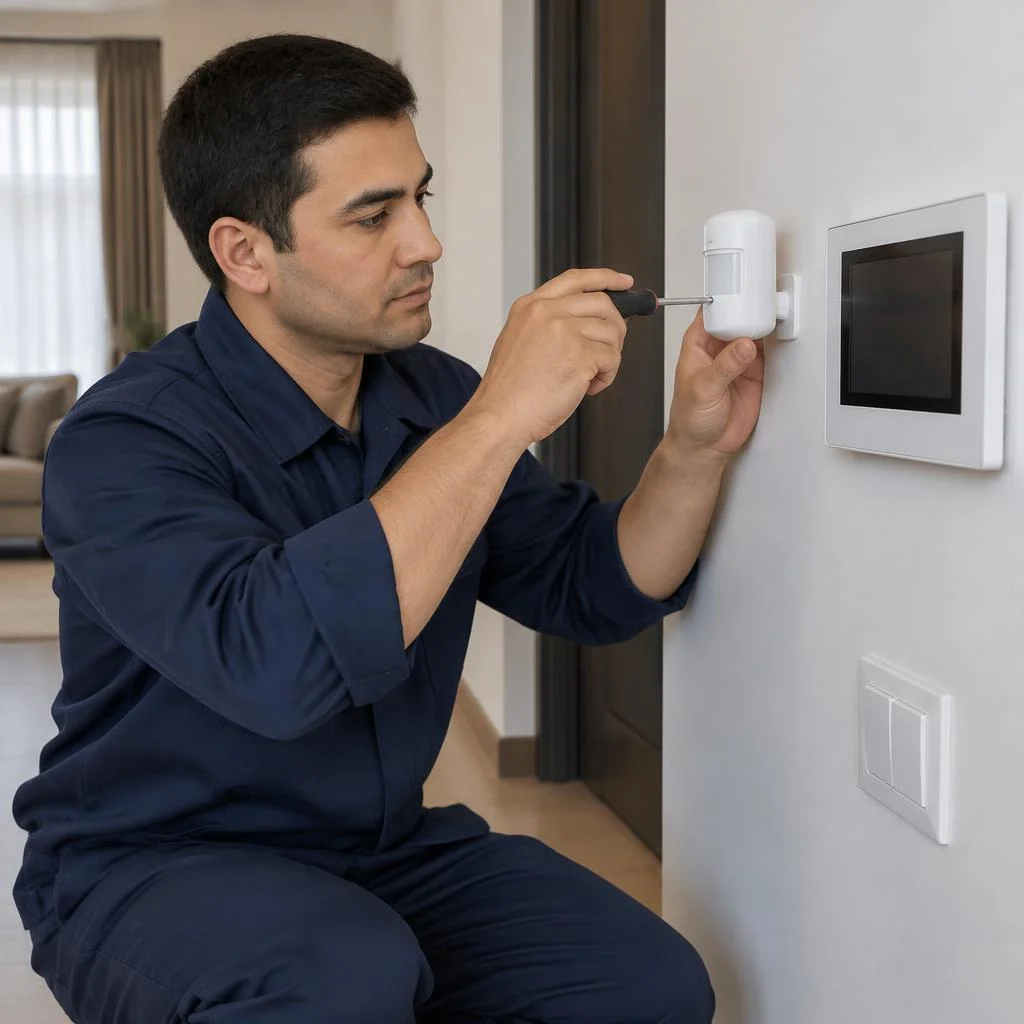
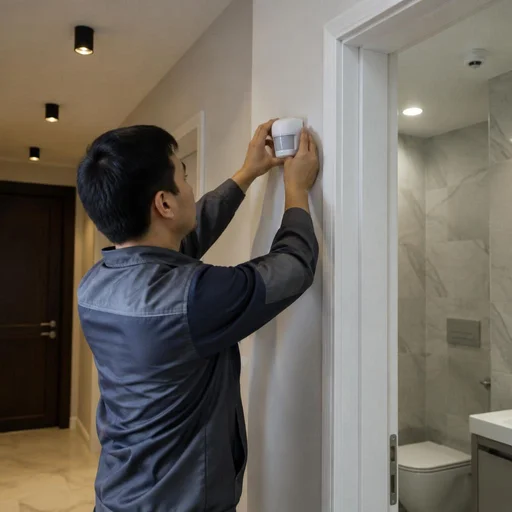
- Motion and presence sensors: installed in corridors, bathrooms and on staircases, where automatic scenario-based lighting matters.
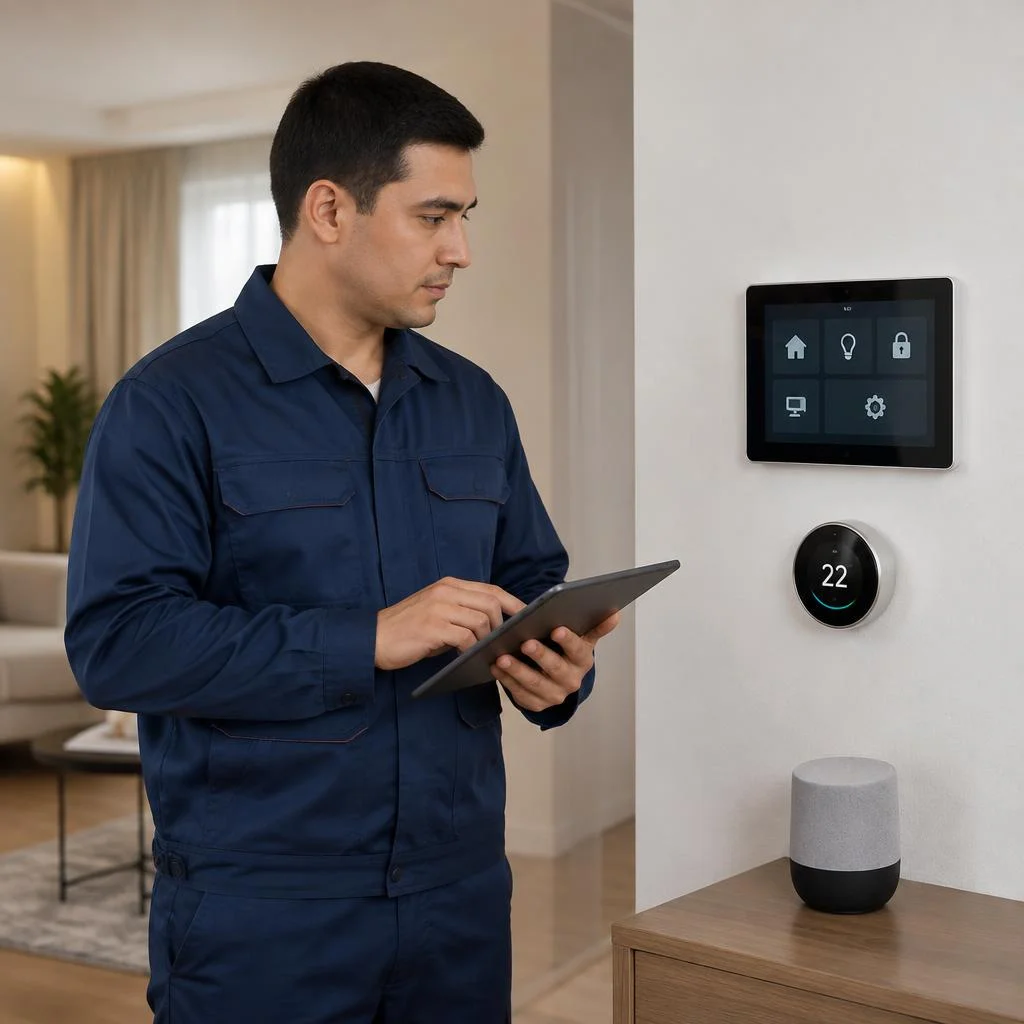
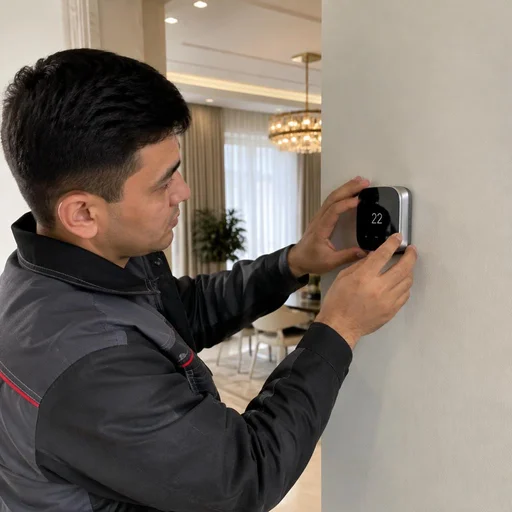
- Climate: smart thermostat, connection of air conditioners and underfloor heating, temperature and humidity sensors in each room.
- Comfort: smart curtains and curtain rails, intercom — installed after lighting and climate, when the system framework is already assembled.
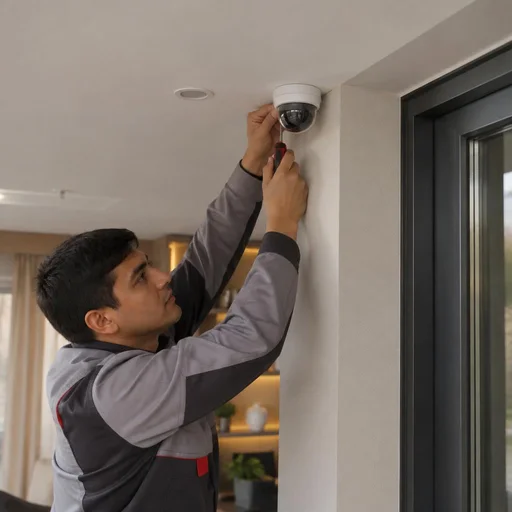
- Security: smart locks, video surveillance, smoke and gas sensors and water leak sensors — installed first.
- Work package: smart home installation is carried out as a single package according to the design, not as separate call-outs for each device.
Hub configuration and system launch
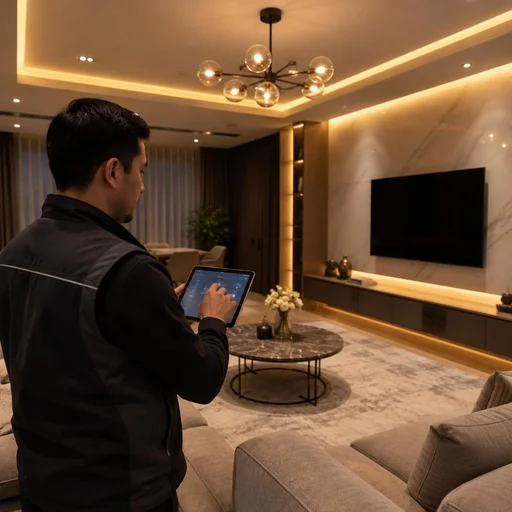
Configuring the smart home hub is the final stage: the specialist pairs the devices, programs lighting scenarios, scheduled climate control and notifications from sensors, after which they hand over access to the smartphone app. The hub combines Zigbee and Wi-Fi protocols into a single network, and in a KNX project it links the bus with mobile control. Internet is not needed for basic operation: local scenarios are stored in the hub itself, not in the cloud. When the network goes down, lighting, curtains and climate continue to work on schedule — only remote access from another location remains unavailable. In search, clients often type "smart home system installation" — and land on this stage, although hub launch comes last in the chain. Check this at handover: ask them to disconnect the router and make sure the scenarios still trigger — this way you establish the boundary between local logic and cloud functions. The project concludes with the handover of a control instruction manual.
What a turnkey smart home system includes: lighting, climate, security
A turnkey smart home system is assembled from three working areas: light, climate and security. Some devices are added in stages, but the integration of engineering systems requires a single project at the start.
Lighting and scenarios: switches, lamps, dimmers
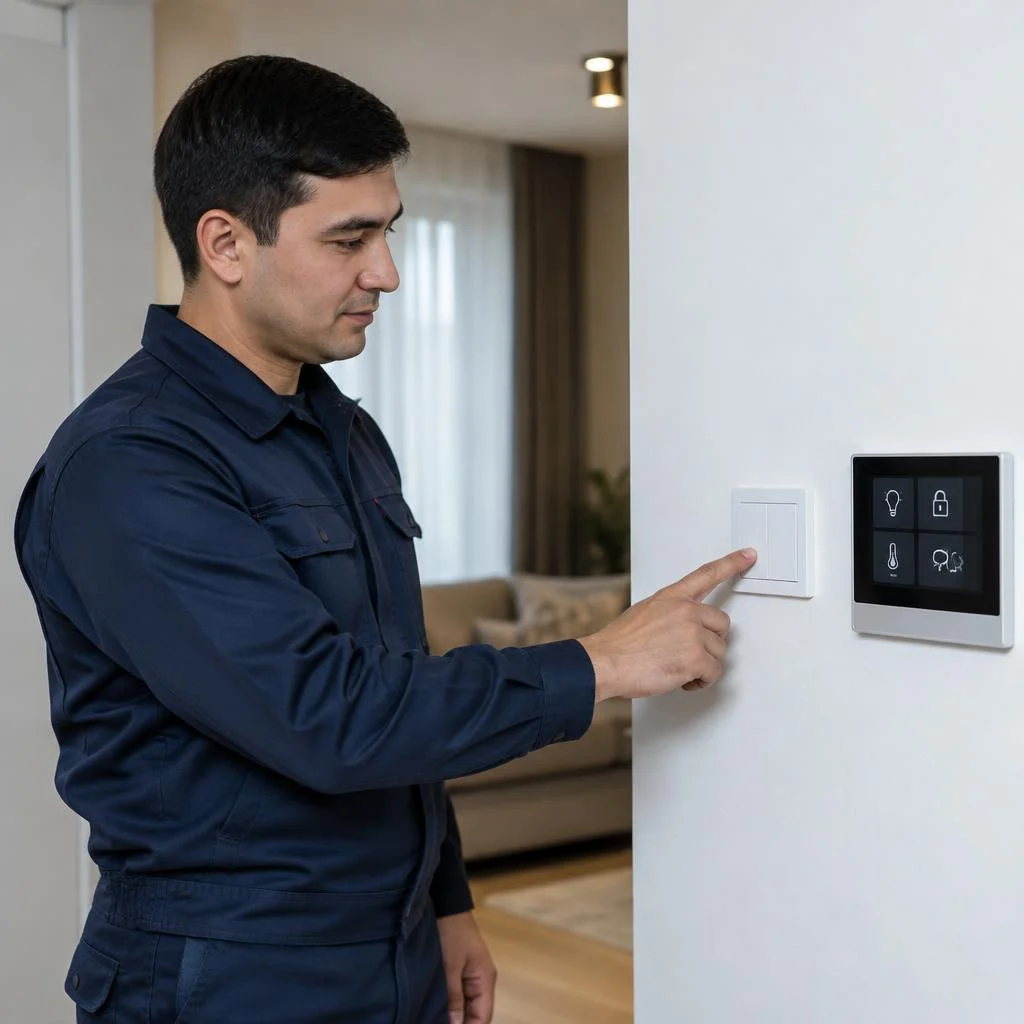
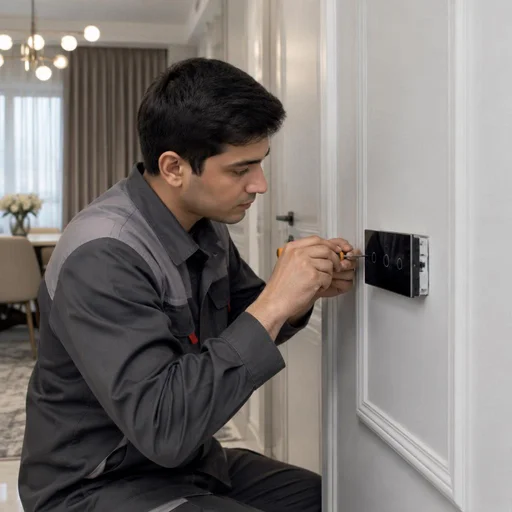
- Smart switches: replace mechanical buttons, retain manual control and add binding to scenarios and schedules.
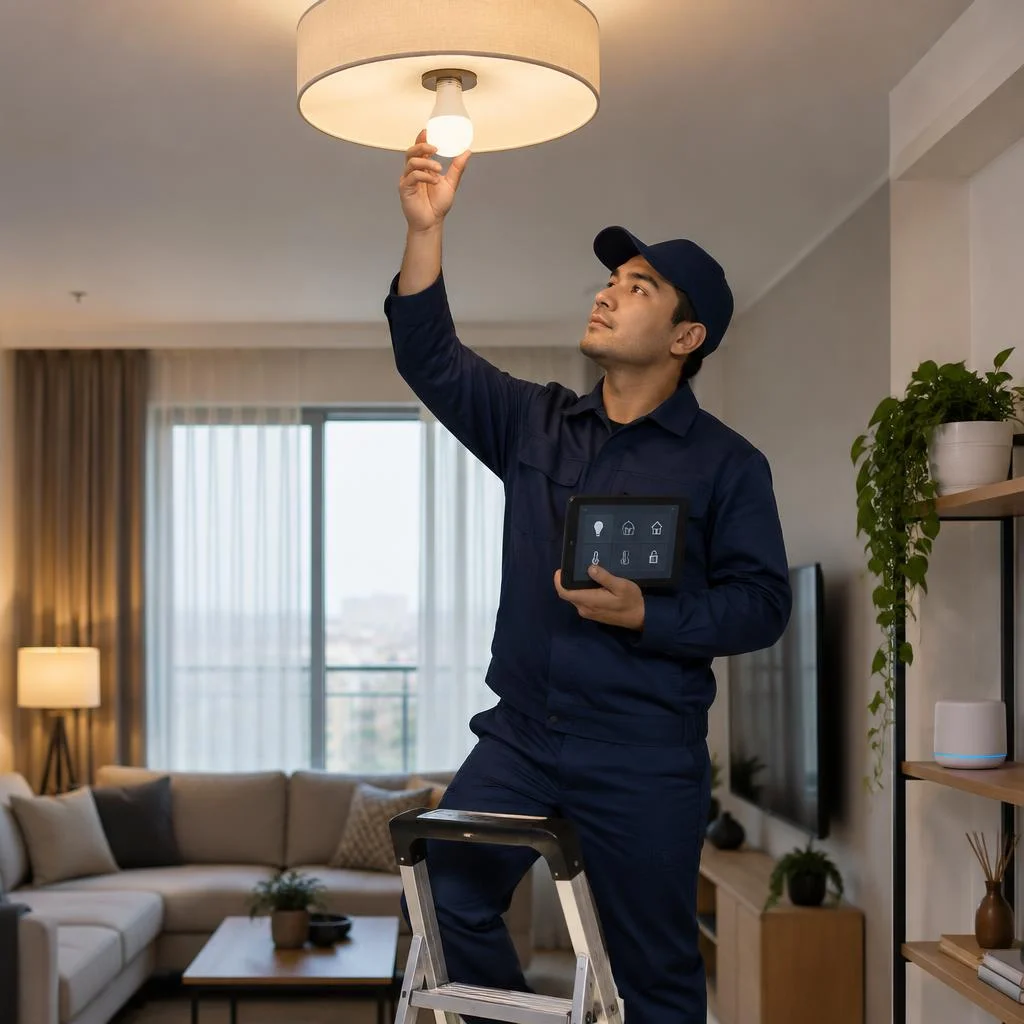
- Smart lamps and light fixtures: provide control of brightness and color temperature in the bedroom, living room and kitchen.
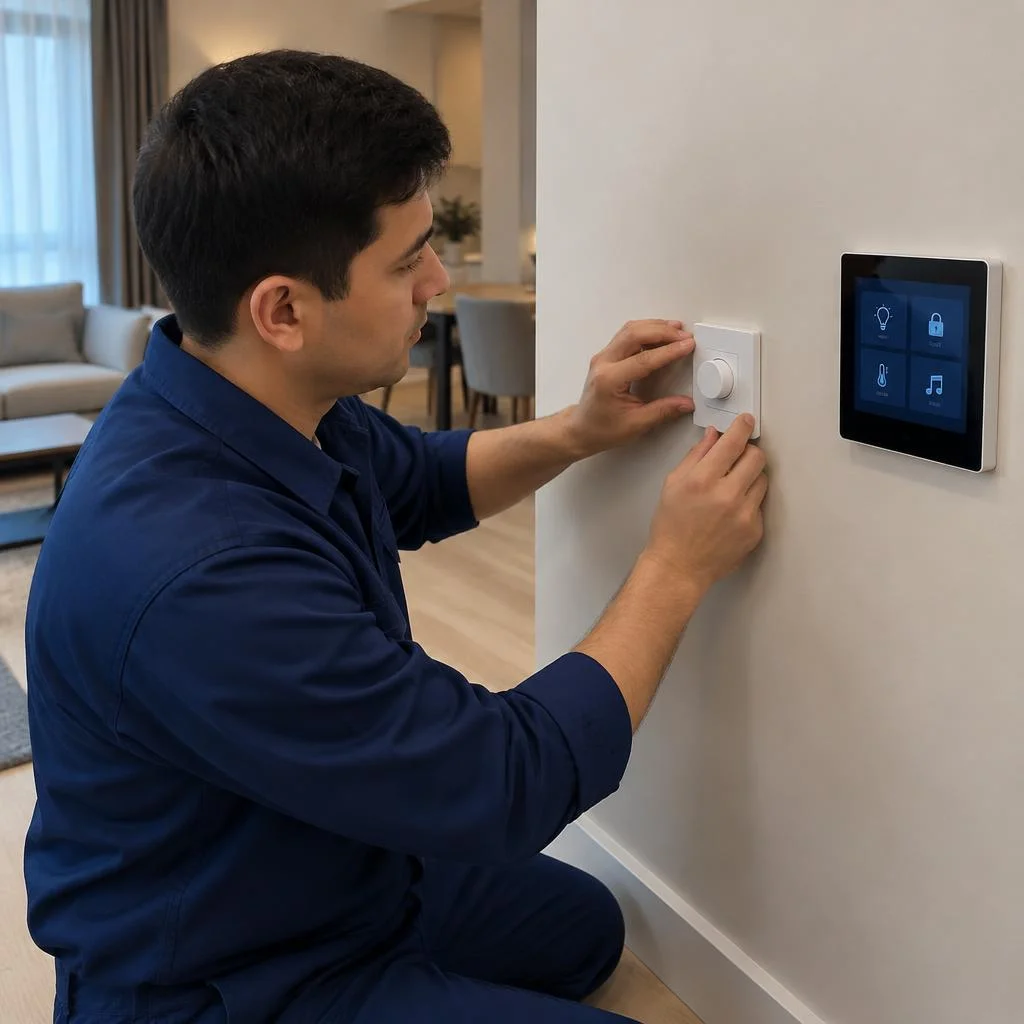
- Lighting dimmers: smoothly change brightness without flickering or clicking, and work with LED modules under correct load.
- Light scenarios: "evening", "movie", "cleaning", "night light" are switched with a single command or by a motion sensor.
- Motion and presence sensors: turn on the light in the hallway and bathroom without touching a switch and turn it off after you leave.
Climate: thermostat, air conditioners, underfloor heating
We connect climate control, a smart thermostat, temperature and humidity sensors and underfloor heating to unified scenarios — the climate reacts to presence and time of day. The smart thermostat maintains the set mode in the bedroom at night and reduces heating when the owners are away, while climate control links air conditioners with sensors so as not to run cold air in an empty room. Underfloor heating turns on according to a schedule and a humidity sensor, not manually. A humidity sensor paired with climate is especially useful in Tashkent: in summer it prevents the air conditioner from over-drying the air, and in winter it signals condensation on the windows. Clients often phrase the request as installation of a Smart Home system — and in this case we start specifically with the climate circuit, because it sets the load on all the engineering. We integrate climate control and underfloor heating into the overall project so that the engineering systems work in coordination.
Security: video surveillance, locks, sensors
| Area | Devices | What it provides | Priority |
|---|---|---|---|
| Video surveillance | Cameras, video recorder | Recording and viewing from the phone | High |
| Access | Smart locks, intercom | Codes, tags, remote opening | Medium |
| Fire and gas | Smoke and gas sensors | Signal and supply shutoff | High |
| Water leak | Leak sensors | Shutting off the valve in seconds | High |
A leak sensor with an automatic valve pays for itself after a single incident: shutting off the water in seconds prevents flooding of neighbors and repairs that cost an order of magnitude more than the sensor itself. We install such sensors together with automatic valves at the inlet.
What affects turnkey smart home price and smart home installation price
The cost of the project depends on the number of devices, the protocol (Zigbee, Wi-Fi or KNX), the square footage and the volume of cable work, so the turnkey smart home price and smart home installation price are calculated after an audit of the property, and not according to a price list per point. A studio apartment with one hub, lighting and a thermostat costs less than a house with wired KNX, underfloor heating and video surveillance with eight cameras. The stage also affects the final figure: at the rough renovation stage the cable is laid together with the walls, which reduces labor costs, while in a finished apartment some lines run along the baseboard and ceiling. We fix the exact estimate after visiting the property — this way the client sees what they are paying for before installation begins.
Turnkey smart home installation: apartment, house, office
A smart home project for an apartment, private house, and office differs in protocol, scope of cable infrastructure, and scenario logic. Let's break down where wired communication is critical and where wireless solutions are sufficient.
Apartment: minimal project and phased expansion
For an apartment, we assemble a compact project: lighting, climate, curtains, and basic security sensors, with the ability to add devices later without reworking the panel. Turnkey installation in an apartment usually relies on Zigbee and Wi-Fi: smart switches in mounting boxes, smart curtains on curtain rods, leak sensors under the sink and in the bathroom, motion sensors in the hallway. In new buildings in Tashkent on Amir Temur, Shota Rustaveli streets, and in the Sergeli massifs, a low-voltage panel with spare lines is more often included — this allows adding a camera or smoke sensor a year later without opening the wall for a new conduit. In older apartments in Yunusabad and Chilanzar, we often install wireless modules over existing wiring to avoid chasing load-bearing walls. Clients often search for "smart home installation price" and land on this page, although the final estimate depends on the number of lines and the type of panel. Pre-plan two or three spare lines in the low-voltage panel for future devices — expansion will cost less than re-installation.
Private house: wired solutions and engineering systems
In a private house, we more often include wired solutions and KNX: controlling heating, underfloor heating, pumps, gates, and outdoor lighting requires stable communication over long distances. In cottages in Kibray, Darkhan, and the Urtasaray massifs, the KNX bus runs from the panel to each floor and doesn't lose signal through concrete slabs, whereas Wi-Fi over 40-60 meters with obstacles fails. Climate control includes a smart thermostat, zone valves on radiators, and connecting underfloor heating to the overall logic; smart locks and video surveillance are placed on separate power lines. Eco-Service installs wired smart home systems for suburban properties with backup power for the hub and panel: during a power outage, the system correctly completes scenarios rather than leaving locks and climate in a random state. A 12-24 hour uninterruptible power supply covers evening outages without restarting the entire logic.
Office and commercial: scheduled scenarios
- Scheduled scenarios: configuring lighting scenarios ties open-space, meeting room, and corridor lighting to the work schedule and holidays.
- Motion and presence sensors: bathrooms, corridors, and warehouse zones get light only when a person appears, without manual switching.
- Zone-based climate control: air conditioners and supply ventilation operate separately for meeting rooms, the server room, and workstations, and the turnkey price is calculated by the number of zones, not by area.
- Video surveillance and access: cameras at the entrance and in corridors link to the office accounting system and visitor log, while automatic zone-based shutdown of lighting and climate reduces the electricity bill more noticeably than manual control.
- Engineering systems dispatching: notifications about leaks, equipment overheating, and open doors are sent to the responsible employee via Telegram, and Eco-Service automates office scenarios with consumption statistics output.
Smart home system installation: timelines and work sequence
Timelines depend on the property's area, the renovation stage, and the number of devices. At the rough-in stage the schedule is one thing; in a finished space it's another. Below we break down realistic timelines and the sequence.
How long installation takes at different stages
We complete smart home installation in a period ranging from a few days to two weeks: during the renovation stage, work proceeds in parallel with electrical work; in a finished space it's faster, but without concealed wiring. In a new building in Tashkent, preparing the cable infrastructure and installing the low-voltage panel takes 3-4 days while the walls are open, and smart switches and sensors are installed after the final finishing. In a finished apartment, the same scope takes 5-7 days: routes are run through cable channels, no wall chasing is needed, but each line requires careful concealment. Clients often search for "smart home installation price" — and end up here, so we name the factors the estimate depends on: area, number of lighting groups, type of wiring, and renovation stage. If the renovation is already complete, some routes are run through the ceiling space and concealment is planned into the design in advance — this speeds up smart home system installation at properties with suspended ceilings.
Work sequence: from request to launch
- Request and audit: we inspect the property, record the layout, lighting and climate points, and the condition of the electrical system — the property audit for the smart home sets the entire subsequent scope.
- Design: smart home system design determines the panel layout, cable routes, and the list of devices for the specific area.
- Rough-in stage: preparation of the cable infrastructure, installation of the low-voltage panel — before final finishing, in parallel with electrical work.
- Device installation: switches, dimmers, thermostat, locks, cameras, and sensors are installed after finishing, along the prepared routes.
- Hub setup: smart home hub and scenario setup, testing of each group at the property.
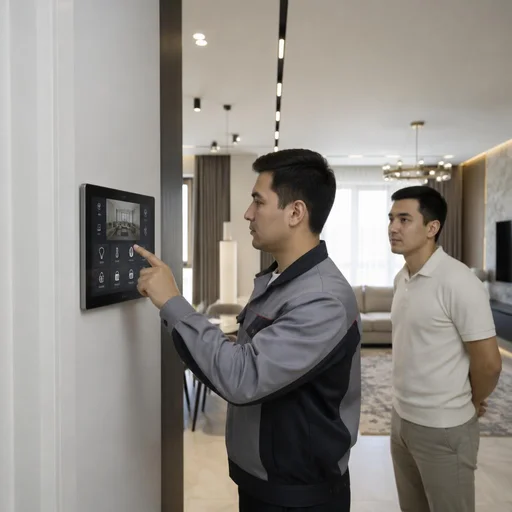
- Owner training: we demonstrate control using real examples from the property — without this, half the scenarios remain unused.
- Property handover: the full work cycle at Eco-Service concludes with launch and owner training.
2-year warranty, Eco-Service maintenance and support
We explain exactly what the warranty on work covers, how post-launch support is structured, and why a direct provider of the service simplifies maintenance of the system.
What the 2-year warranty covers
The warranty on work is 2 years: it covers installation, configuration of the smart home hub and the correct operation of lighting and climate scenarios, as well as connecting devices to the system. In the contract we record the list of works and the configuration: which switches, sensors and thermostats are connected to the hub, and which protocol — Zigbee, Wi-Fi or KNX — each circuit runs on. If after a year and a half a leak sensor stops responding or the evening light scenario goes wrong, the visit and rewiring of the line are covered by the warranty, not charged separately. The warranty remains valid if you add devices yourself, as long as they are compatible with the system protocol: we record the configuration in the project so that expansion does not reset the settings. Clients often find us through the search query smart home installation and already on the first visit ask whether the contract includes hub diagnostics after firmware updates — this is a common cause of scenario failures.
Our own service center in Tashkent
The Eco-Service service center operates in Tashkent: devices are accepted in person, diagnostics and replacement are carried out on site, without shipping to another city and waiting for courier delivery. The smart home hub, dimmers, motion and leak sensors — all of this is tested on the bench on the day of the request, not after a week of correspondence. For clients from Samarkand, Bukhara and Namangan, remote diagnostics via hub logs resolves some issues without a visit: a specialist connects to the controller remotely and sees where the scenario breaks. In-person acceptance speeds up resolution: most requests concerning the hub and sensors are resolved on site on the day of the visit. If you are calculating the smart home installation price, budget not only for the equipment but also for service time — having a center in the city reduces system downtime from weeks to hours.
Direct provider: why this matters for service
Eco-Service works as a direct provider of the service: design of the smart home system, installation, configuration and support are handled by one team, without subcontracting or reselling equipment. This means that the same engineer who managed the site from the audit stage is responsible for the compatibility of devices and scenarios: he knows which circuit is connected to the relay, where the low-voltage wiring is routed and why specific thermostat models were chosen. If a failure occurs, there is no dispute between the installer and the equipment supplier about who is at fault — the same team investigates. In practice this saves weeks: in projects where equipment was purchased separately from installation, finding the cause of the fault dragged on for 2-3 visits by different specialists. If scenarios depend on climate and security, choose a contractor who is responsible for the entire cycle — from design to warranty visit.
Conclusion
We explain what really determines the result in a smart home project — from the choice of protocol to the priority of tasks and the role of service support after launch.
Key takeaways
- The system as layers: devices, hub, protocol and app work only together — they must be assembled according to a single project, not bought one sensor at a time.
- An unchanging order of works: audit, design, cable infrastructure and low-voltage panel, installation of devices, configuration of the hub and scenarios — rearranging the stages breaks the logic of the system.
- Protocol suited to the site: Zigbee covers an apartment, KNX and wired solutions cover a private house and commercial premises, where stability with dozens of devices matters.
- Safety first: leak, gas and smoke sensors are installed before comfort scenarios — lights and blinds can wait, a leak must be caught immediately.
- Service matters more than one-time savings: support, device compatibility and warranty determine how the system works a year later, not just on launch day.